
Prerna Portal OTP Not Received? Fix It Fast Update (2026)
Are you a teacher trying to log in to the Prerna Portal but not receiving the OTP (One-Time Password)? This can be frustrating, but don’t worry — it’s a common issue that can be easily fixed. In this guide, I’ll walk you through the possible reasons for OTP issues and provide simple, effective solutions.
Why You Might Not Be Receiving the OTP
There are several reasons why you might not be receiving the OTP when trying to log into the Prerna Portal:
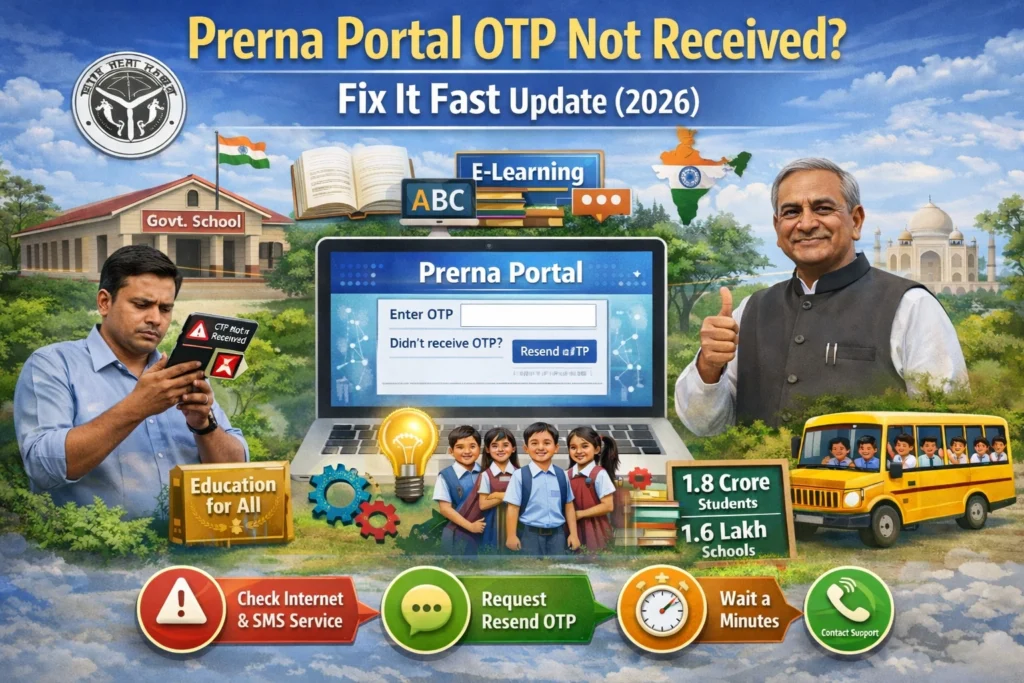
Network Issues
Poor network connectivity can delay the SMS delivery of the OTP.
Incorrect Mobile Number
If the mobile number you registered is incorrect or outdated, you won’t receive the OTP.
Server Delays
Sometimes, the Prerna Portal’s server might experience delays in sending the OTP, especially during peak hours.
Blocked Messages
Your phone’s message inbox might block OTP messages, especially if you have multiple messaging apps or filters in place.
You can also read: Prerna Portal Registered Mobile Number Fix Update (2026)
How to Fix OTP Not Received on the Prerna Portal
Here are some easy fixes to resolve the issue:
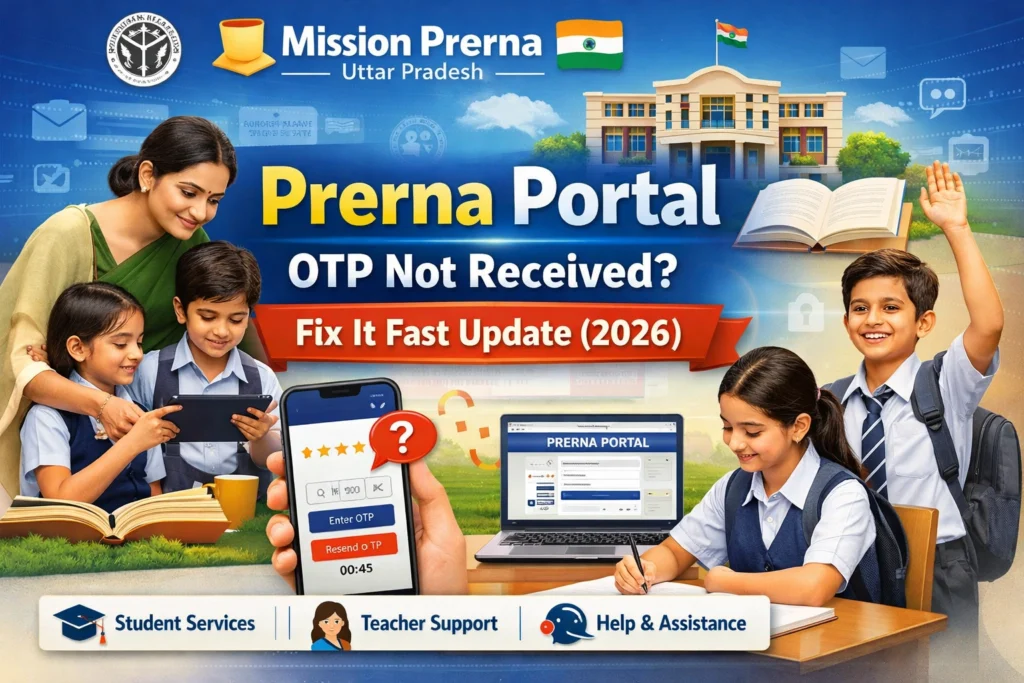
- Make sure your phone has a stable network connection. Try switching from mobile data to Wi-Fi or vice versa. A weak network can delay SMS delivery.
- Double-check the mobile number you used for registration. If you’ve recently changed your number or haven’t updated it in the system, this could be the issue. Contact the Prerna Portal support team or your school’s admin to update the number if needed.
- If you haven’t received the OTP, tap the Resend OTP button. Wait for a few seconds and try again. This will prompt the portal to send a new OTP.
- If the OTP still doesn’t arrive, it could be due to a browser issue. Clear the cache and cookies of your browser or try logging in through a different browser (Chrome or Firefox works best).
- Make sure your inbox isn’t full and that you haven’t accidentally blocked OTP messages. Some phones automatically filter OTP messages into a spam folder. Look there if you can’t find the message in your main inbox.
- Sometimes, there can be a delay in receiving the OTP due to server issues on the Prerna Portal. Wait for a few minutes and try again. If the delay continues, it’s best to contact support.
Still Not Receiving the OTP? Here’s What to Do Next
If none of the above steps work and you still can’t receive the OTP, follow these steps:
Try a Different Mobile Number
If possible, try registering with a different mobile number. Ensure this number is active and able to receive SMS messages.
Contact Prerna Portal Support
If the issue persists, reach out to the Prerna Portal support team. Provide them with details like your registered mobile number and the issue you’re facing. They will assist you in resolving the problem.
Contact Your School Admin
Sometimes, your school admin may have more information or the ability to assist you with account or registration issues.
Common Problems Related to OTP and Their Fixes
Here are some common issues teachers face with OTPs on the Prerna Portal and how to fix them:
Problem: OTP expires before you enter it.
Fix: Enter the OTP quickly after receiving it. If it expires, request a new one using the Resend OTP button.
Problem: OTP is invalid.
Fix: Double-check the OTP for any mistakes or try copying and pasting the code from your message. If it’s still invalid, resend the OTP.
Problem: OTP not being sent at all.
Fix: Follow the steps outlined above to verify your network, number, and browser. If the issue persists, reach out to support.
FAQs
Conclusion
Dealing with an OTP issue on the Prerna Portal can be annoying, but with the steps above, you should be able to fix it quickly. By ensuring your network is stable, verifying your mobile number, and trying a few basic troubleshooting methods, you’ll be back in the portal in no time.
If you’re still having trouble, don’t hesitate to reach out to the support team. They’ll help you resolve the issue so you can continue using the Prerna Portal’s valuable resources.


