
Prerna DBT App Login 2026: Complete Teacher Guide Update 2026
Mission Prerna is one of the biggest educational reforms in Uttar Pradesh, powering learning for millions of students and teachers through the Prerna Portal (prernaup.in). If you are a teacher trying to login to the Prerna DBT App or Portal in 2026, this guide will make the process easy and stress-free.
What Is the Prerna DBT Login for Teachers
The Prerna DBT login is a secure gateway for teachers to:
This login helps you manage DBT reimbursements and student information smoothly, which is an essential part of classroom administration.
You can also read: Nipun Plus App vs Nipun Lakshya: Difference Explained (2026)
Step-by-Step Login Process Detailed
Follow these simple steps to login to the Prerna DBT App or Portal as a teacher.
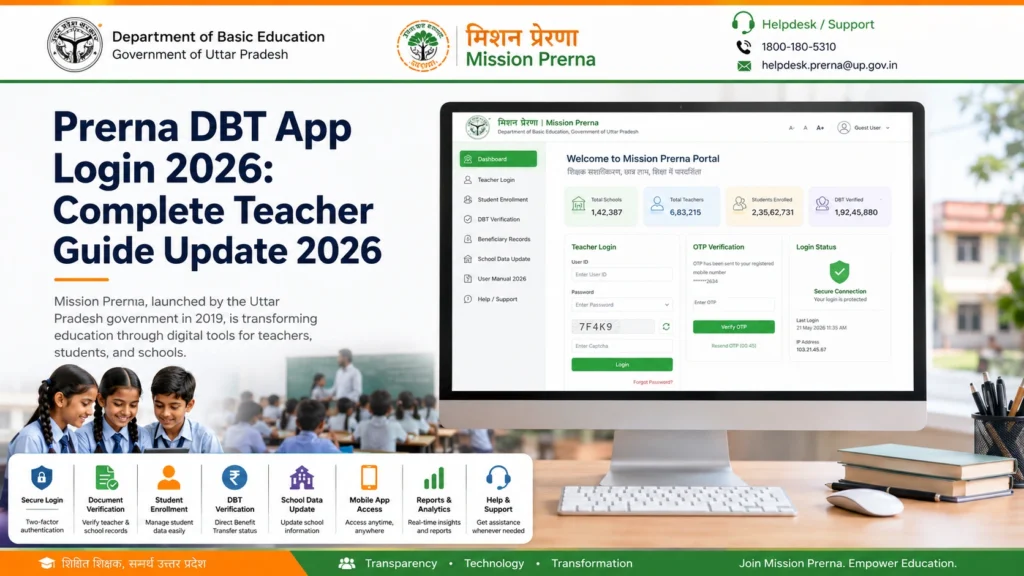
On your phone or computer, open a trusted browser such as Chrome or Firefox. Go to the official login link. Avoid clicking on suspicious links; only use the official portal to protect your data.
On the homepage, find the Bank Data Upload section. Click Teacher Login to go to the teacher login page.
Enter the mobile number registered with the portal. This mobile should be linked to your profile.
Click Get OTP. You will receive a one-time password on that mobile number. Enter it carefully because it expires quickly.
After OTP verification, you are logged into your Teacher Dashboard. From here, you can manage DBT tasks, student records, and learning resources.
Teacher Login Checklist
| Needed Item | Why It Matters |
|---|---|
| Registered Mobile Number | OTP is sent here |
| Internet Connection | For portal access |
| Correct OTP | Must enter quickly |
| Browser (Chrome/Firefox) | Works smoothly |
| Registration Complete | Login only works after registration |
Tips for Faster Login
Managing Student Data Efficiently
Once logged in, teachers can upload and update student bank accounts, Aadhaar details, and personal information. Always double-check entries to avoid errors that can delay DBT transfers. Organize documents in advance for faster processing and ensure all student data is verified before submission.
Ensuring Portal Security
Always login from a trusted browser or official app. Do not share your OTP or login credentials with anyone. Regularly clear your browser cache and logout after completing tasks to protect sensitive student information. These simple security measures can prevent unauthorized access.
Common Login Issues and Quick Fixes
OTP Not Coming
Try refreshing or switching mobile network, wait a moment and request Resend OTP, or use the app version if website delay persists.
Mobile Number Not Registered
You must first register your number via the portal or ask your admin to add it. Check your school’s record for correct registration details.
Dashboard Won’t Load
Log out and try again, clear your browser cache, try another browser, or contact the helpline if the problem persists.
FAQs
Conclusion
Logging into the Prerna DBT App or Portal does not have to be confusing. Follow the steps carefully, check your registration status, and keep your mobile ready for the OTP. With these simple steps, DBT tasks, student verification, and classroom tools become easy and manageable.


