
Prerna Portal Student Not Showing? Fix It Fast (2026 Guide)
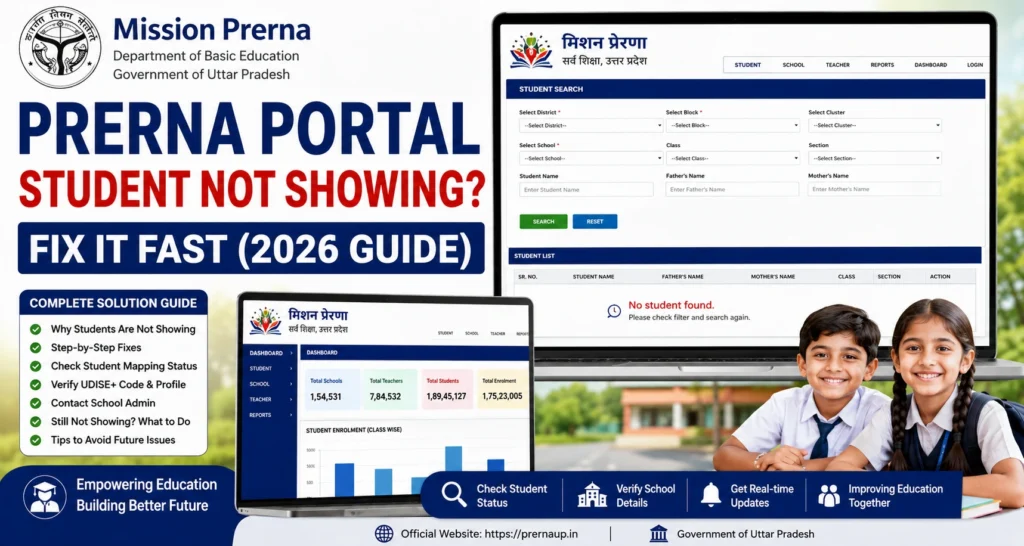
Sometimes, teachers log in to the Prerna Portal but cannot see certain students in the list. This problem is common during new registrations, student transfers, DBT verification, or when updates have not synced properly.
If a student does not appear, it can prevent:
This guide explains why students may not show up and provides fast, practical fixes.

Quick Fix
If a student is not showing on Prerna Portal:
You can also read: Mission Prerna UP – Login, Apps and Student Tools Update 2026
Common Reasons Students Don’t Appear
Step-by-Step Fix for Missing Students
Step 1: Verify Registration
Ensure the student is registered for the correct academic year. Use the student registration or DBT verification section to confirm.
Step 2: Check School/ Class Assignment
Students must be assigned to the correct school and class in the portal. If misassigned, the student may not appear in your dashboard.
Step 3: Check Student Details
Incorrect or mismatched details can hide a student:
Update these details if needed using student details correction.
Step 4: Refresh or Re-login
Sometimes the portal cache prevents updates from showing:
Step 5: Check for Duplicate Records
Duplicate student entries may prevent visibility. Ensure the student appears only once in the portal.
Step 6: Contact Authorities
If the student still does not appear:
Common Scenarios & Quick Fix Table
| Scenario | Possible Reason | Fix |
|---|---|---|
| Student not visible in class list | Not registered for the academic session | Check registration or enroll student |
| Student details mismatch | Name, DOB, or Aadhaar incorrect | Update details through portal correction |
| Student transferred from another school | School assignment not updated | Contact BRC/DEO to update school record |
| Duplicate student entry | Same student entered twice | Merge or remove duplicate entry |
| Portal not updated | Sync delay or server issue | Refresh portal or wait a few minutes |
Tips to Prevent Students from Not Showing
Quick Summary
FAQs
Conclusion
If a student is not showing on Prerna Portal, the issue is usually registration, assignment, or data mismatch. By carefully checking the student’s registration, class assignment, and details, most problems can be fixed quickly.
Always verify details against official school records, avoid duplicates, and contact authorities if necessary. Following these steps ensures that all students are visible for attendance, DBT processing, and academic reporting.
In short: Verify registration, check class assignment, confirm details, refresh the portal, and contact BRC/DEO if the student still doesn’t appear.


