
Prerna Portal Toilet Photo Upload Checklist Update (2026)
As part of Mission Prerna, the Uttar Pradesh government focuses on improving the quality of school infrastructure, including essential facilities like toilets. Schools are required to upload photos of their toilet facilities on the Prerna Portal to ensure they meet hygiene and safety standards. This checklist will help you upload photos correctly and avoid common mistakes.
Why Toilet Photos Are Important
Uploading photos of the toilet facilities is essential for the Prerna Portal because it:
You can also read: Prerna Portal Complete Guide for Schools Latest Update 2026
Prerna Portal Toilet Photo Upload Checklist
Resolution and Quality of Photos
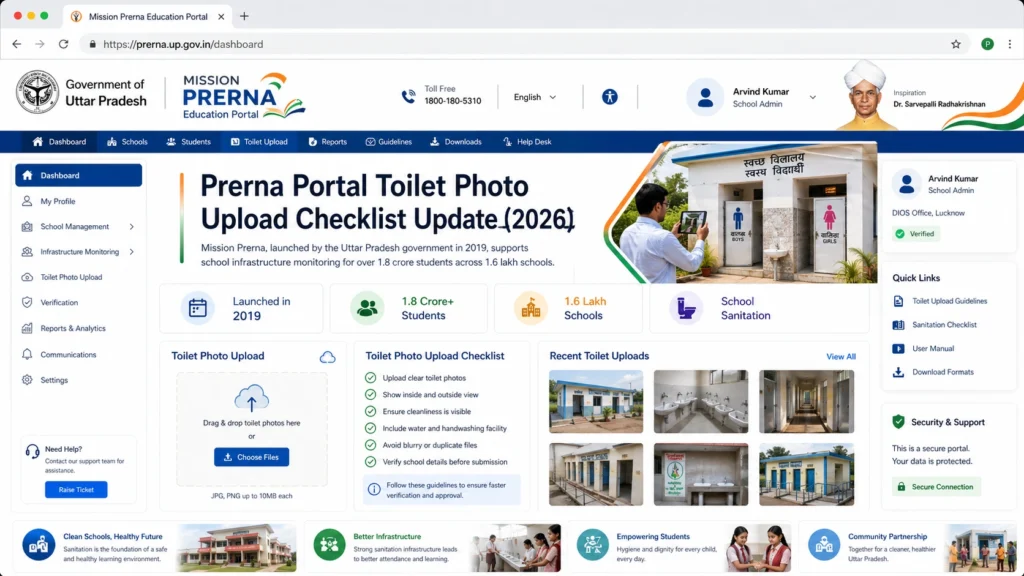
Resolution: The photo should have a minimum resolution of 800×600 pixels to ensure clarity and visibility of the facility.
Quality: Ensure the photo is clear and not blurry. Avoid photos that are dark, grainy, or distorted.
File Size and Format
File Size: Ensure the photo does not exceed 2 MB. Larger files may not upload successfully, so resize them if needed.
File Format: Only JPEG and PNG formats are accepted. Save the photo in one of these formats before uploading.
Photo Content
The photo should clearly depict the condition of the toilet facilities, including the following:
Cleanliness: Show that the toilets are clean and well-maintained.
Proper Facilities: Ensure the photo includes necessary facilities like toilet seats, wash basins, and water supply.
Hygiene: Ensure the presence of soap dispensers, toilet paper, and other hygiene-related items.
Sanitation: Show that the floor is dry and there are no visible signs of leaks or flooding.
Ventilation: If applicable, ensure the photo shows proper ventilation in the toilet area.
Proper Angles and Framing
Full View of the Toilet: Capture the toilet in its entirety, showing both the interior and the exterior of the facility.
Close-Up of Key Areas: Include close-up shots of important features like water taps, flush systems, and hygiene materials.
Wide Angle: If possible, use a wide-angle shot to show the overall condition and size of the toilet.
Proper Angles and Framing
Bright Lighting: Ensure the photo is taken in good lighting. Avoid photos in dim or low-light conditions, as they may make it difficult to see important details.
Natural Light: If possible, take the photo during the daytime with natural light. If not, ensure that the area is well-lit with artificial lighting.
Avoid Clutter and Irrelevant Items
Focus on the Toilets: Ensure that the photo focuses only on the toilet area. Remove or avoid unnecessary items in the background that do not relate to the toilet’s condition.
No Personal Items: Avoid including any personal items such as bags, shoes, or clothes in the photo.
Image Consistency
Uniform Quality: Ensure that all toilet photos are consistent in terms of quality, resolution, and framing. This helps in maintaining a standard across all uploaded photos.
Multiple Angles: If needed, take multiple photos from different angles to cover all aspects of the toilet facility.
Submitting Photos on Time
Upload During the Designated Timeframe: Make sure to upload toilet photos during the official time slots when inspections and data submissions are being conducted.
Update Regularly: If any improvements or changes are made to the toilets (e.g., cleaning, repairs, installations), update the photos regularly to reflect the current condition.
Common Issues and How to Fix Them
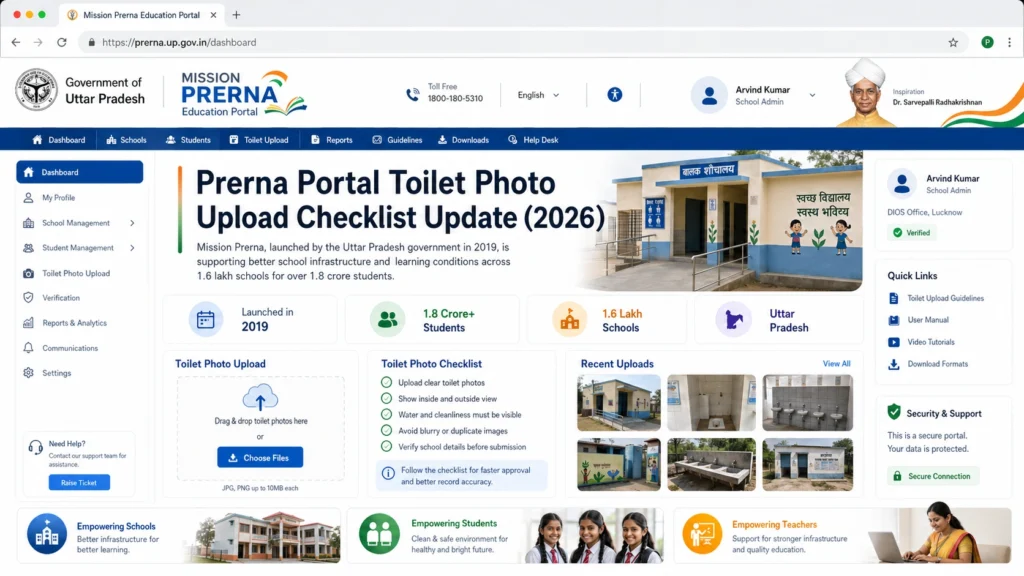
Photo Size Exceeds the Limit
Solution: Resize the photo using online tools to ensure it stays under the 2 MB limit.
Wrong File Format
Solution: If the file is not in JPEG or PNG format, convert it using a free online converter.
Blurry or Poor Quality Photos
Solution: Retake the photo in better lighting and with a higher-quality camera. Avoid zooming in too much.
Wrong Orientation
Solution: If the photo is sideways or upside down, rotate it using your phone or photo editing software before uploading.
Toilet Photos Not Uploading
Solution: Check your internet connection. If the upload fails, try using a different network or device.
FAQs
Conclusion
Uploading clear and accurate photos of the toilet facilities in your school is a crucial part of maintaining transparency and accountability on the Prerna Portal. By following this Prerna Portal Toilet Photo Upload Checklist, you can ensure that your school complies with Mission Prerna standards for hygiene and safety.
This not only helps improve the quality of the school environment but also ensures that the data is accurate and up-to-date for government inspections.


