
Prerna Portal Attendance Rules for Teachers (Guide 2026)
Tracking attendance is a vital task for teachers to maintain accurate records and ensure that students are present for their lessons. The Prerna Portal simplifies this process, making it easy for teachers to manage attendance efficiently.
In this guide, we’ll go over the attendance rules for teachers, including how to mark attendance, the responsibilities you have, and common questions teachers have about using the Prerna Portal for attendance.

Why Attendance Matters on the Prerna Portal
Attendance plays a crucial role in several educational processes:
By following the attendance rules, you ensure that the data is accurate and reliable.
You can also read: Prerna Portal Bank Detail Update 2026 Guide (Step-by-Step)
Key Attendance Rules for Teachers on the Prerna Portal
Here are the most important attendance rules that teachers need to follow when using the Prerna Portal:
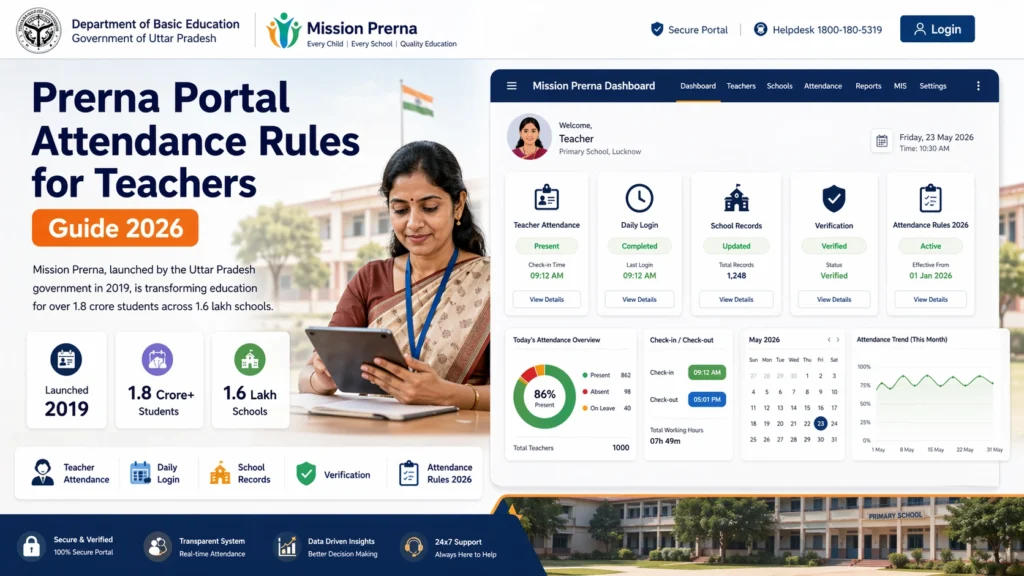
- Mark attendance every day for all students in your class.
- Ensure that you mark attendance before the end of the school day to keep records up to date.
- Late attendance should be updated, as per the school’s policy on tardiness.
- Leave records should be marked accurately for any absent student.
- For any student absent for the day, make sure to mark them as “Absent.”
- If a student has taken leave for a particular day, ensure the leave type (e.g., medical leave, personal leave) is correctly marked.
- Excused and unexcused absences must be tracked as per school policy.
Tip: If the student is absent for multiple days, update the reason for their absence.
- In case of an error (e.g., mistakenly marking a student absent when they were present), you should correct the attendance immediately.
- Only authorized personnel (like admin staff) may have permission to edit attendance records for past dates.
- Always double-check attendance before submitting it for final records.
- For special events like school holidays, field trips, or exams, update the attendance according to the instructions provided by your school or admin.
- Special leave such as festival leave or exam leave should be properly recorded in the portal to avoid confusion during audits or reports.
- Teachers should mark attendance within the first 15 minutes of the class.
- Attendance can be marked using the Prerna Portal’s mobile app or web portal.
- Regularly check if the attendance feature is available and if you are following the time frame set by the school.
- If you’re teaching online classes, ensure that attendance is marked based on student participation in the virtual class.
- For hybrid classes, keep a record of both online and offline attendance.
How to Mark Attendance on the Prerna Portal
Step 1: Log in to the Prerna Portal
Go to the official Prerna Portal (prernaup.in).
Log in using your teacher credentials and OTP for authentication.
Step 2: Navigate to the Attendance Section
Once logged in, go to the Attendance section from the main dashboard.
Select the class you’re teaching for the day.
Step 3: Marking Attendance
For each student, select the status: Present, Absent, or Leave.
If a student is absent, update the reason for absence (if required).
Once all the students’ attendance is marked, click Save to submit.
Step 4: Finalizing the Attendance
After marking attendance, double-check for any errors.
Make sure that you’ve recorded all leave days and excused absences.
Click Submit to finalize the records for the day.
FAQs
Conclusion
Attendance is a key part of maintaining accurate student records on the Prerna Portal. By following these attendance rules, teachers can ensure that student data is up-to-date and compliant with school policies. Whether it’s marking daily attendance, correcting errors, or tracking absences, the Prerna Portal makes it easy to stay organized.
Remember, timely and accurate attendance records help keep the educational process smooth and ensure that students receive their benefits and progress reports without any issues.


